

We’ve all used text editors. Some are simple and bare-bones. Others are complex word processors with more buttons than most people ever need. But what if there was something in between—a text editor that brings your documents to life with images, audio, and AI assistance?
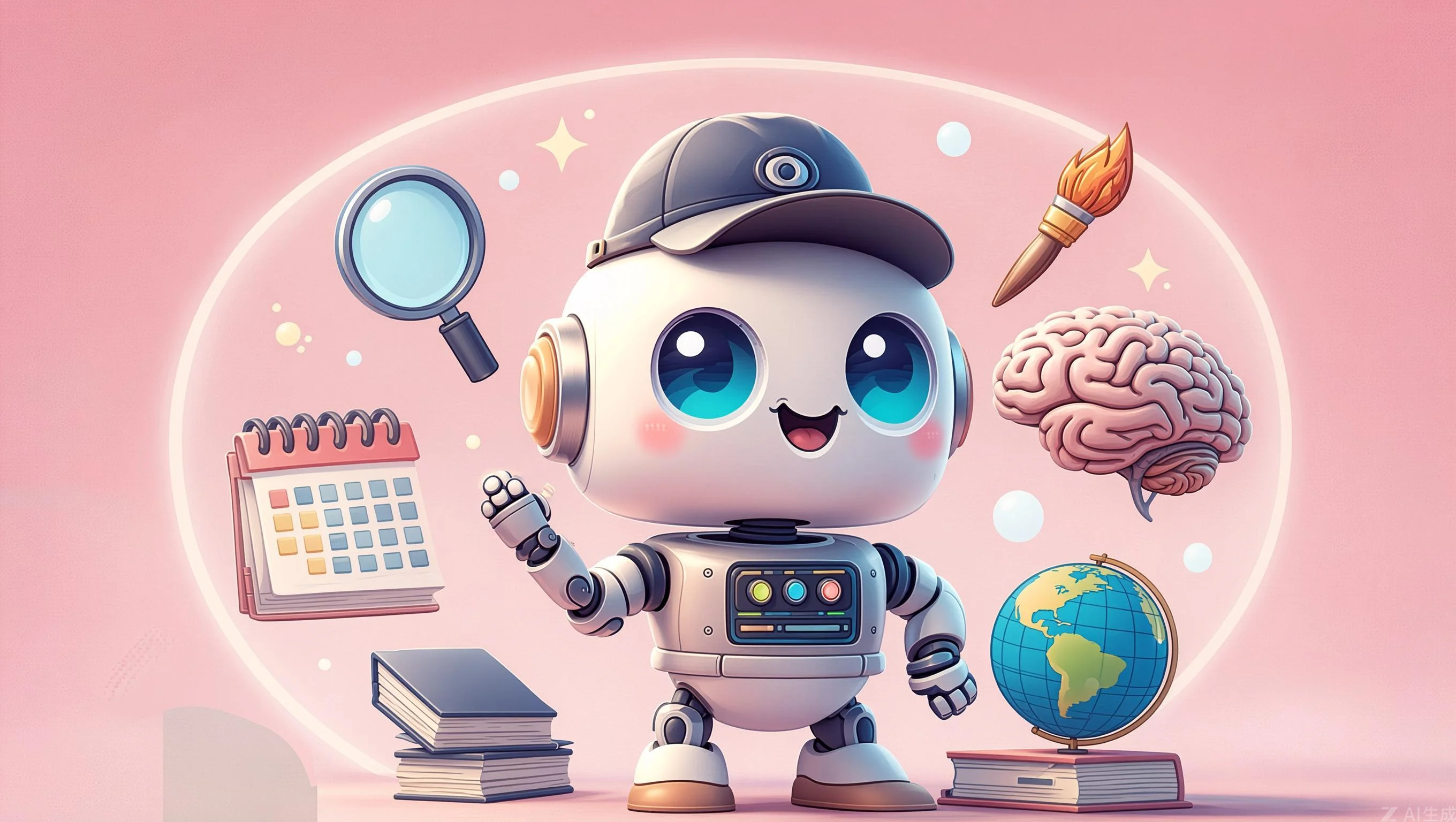
Meet MMM (Magic Memory Mark 2)—a revolutionary text editor that transforms your words into living memories. It’s not just for typing; it’s for capturing moments.
MMM is a multimedia text editor that combines intelligent writing assistance with rich media integration. Create documents with text, images, and audio—all in one magical application!
What You’ll Learn
- What makes MMM different from traditional editors
- Key features and capabilities
- How to use its AI and multimedia features
- Who benefits most from MMM
What is MMM?
MMM stands for Magic Memory Mark—a text editor designed for the modern creator. Unlike plain text editors, MMM lets you weave together:
- Text with intelligent writing assistance
- Images with built-in editing
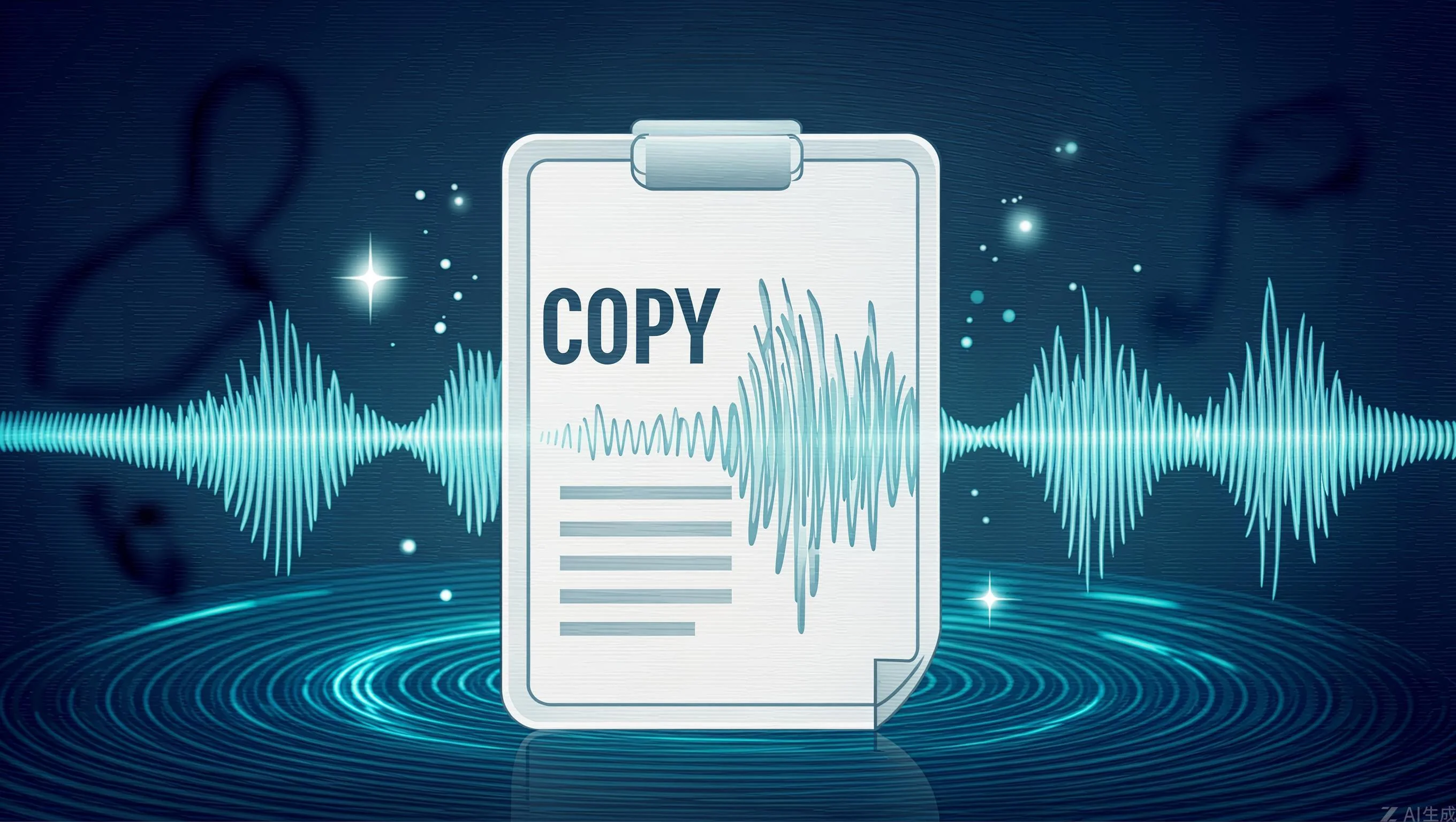
- Audio with voice recording
- Version history that lets you travel back in time
The result? Documents that aren’t just words on a page—they’re rich, multimedia experiences.
Key Features
🧠 AI-Powered Writing Assistant
Get real-time writing help:
- Context-aware suggestions
- Grammar and style checking with visual indicators
- Smart autocomplete that learns your style
- Multi-language support
The AI helps you write better without taking over—it’s like having an intelligent writing companion.
📖 🖼️ Rich Media Integration
Images aren’t just stuck in documents—they’re integrated:
- Drag and drop images directly
- Automatic WebP conversion for smaller files
- Built-in editing: resize, crop, rotate, filters
- Visual storytelling with text-image combinations
🎤 Audio Documentation
Your voice matters:
- Record audio directly in documents
- Import MP3, WAV, FLAC files
- Built-in audio player with controls
- Perfect for podcasts, interviews, voice notes
💾 Smart Storage
Never lose work again:
- Intelligent auto-save
- Version history to travel back in time
- Cloud sync ready (optional)
- Optimized media management
🎨 Beautiful Themes
Make it yours:
- Light, dark, and custom themes
- Custom theme creator
- Eye-care mode for comfortable long writing sessions
📤 Export Options
Share your work:
- PDF export
- HTML export
- Plain text
- Export media separately
How It Works
The .gbd Format
MMM uses a proprietary .gbd format that stores:
{
  "html_content": "Document with formatting",
  "plain_text": "Plain version",
  "image_metadata": "Image paths and edits",
  "audio_metadata": "Audio file references",
  "font_info": "Font family and size",
  "created_at": "Timestamp",
  "modified_at": "Last modified"
}
This format keeps everything—text, images, audio—neatly packaged in one file.
The Interface
The MMM interface combines:
- Toolbar - Formatting options, media buttons
- Editor Area - Where you write
- Media Panel - Images and audio clips
- AI Sidebar - Writing suggestions
Keyboard Shortcuts
| Action | Shortcut |
|---|---|
| New Document | Ctrl+N |
| Open File | Ctrl+O |
| Save | Ctrl+S |
| Insert Image | Ctrl+Shift+I |
| Insert Audio | Ctrl+Shift+A |
| Toggle AI | Ctrl+Shift+A |
| Toggle Markdown | Ctrl+M |
| Toggle Theme | Ctrl+T |
Who Benefits from MMM?
📚 Students & Educators
- Create study notes with diagrams
- Record voice explanations for lessons
- Build interactive lesson plans
✍️ Writers & Journalists
- Draft with embedded images
- Keep interview recordings alongside notes
- Create multimedia stories
💼 Professionals
- Document meetings with audio
- Create rich project documentation
- Build knowledge bases with media
🎨 Creative Individuals
- Multimedia journals with photos
- Mood boards with images and music
- Creative process documentation
👵 Seniors & Tech Users
- Easy digital journaling
- Voice recording for those who prefer speaking
- Large, readable text options
Why MMM is Different
vs. Traditional Text Editors
| Traditional | MMM |
|---|---|
| Text only | Text + Images + Audio |
| Basic formatting | Rich styling |
| No intelligence | AI assistance |
| Plain files | .gbd with everything |
vs. Complex Word Processors
| Word Processors | MMM |
|---|---|
| Heavy and slow | Lightweight |
| Complicated | Intuitive |
| Expensive | Free & Open |
Getting Started
Installation
# Clone the repository
git clone https://gitlab.com/krafi/magic-memory-mark-2.git

# Run the application
python main.py
Creating Your First Document
- Open MMM
- Start typing or paste text
- Add images via drag-drop or Ctrl+Shift+I
- Record audio with Ctrl+Shift+A
- Save with Ctrl+S
Use Cases
1. Rich Journaling
Combine written reflections with photos and voice memos. Your journal becomes a multimedia archive of your life.
2. Project Documentation
Document projects with screenshots, screen recordings, and written explanations. Future you will thank present you.
3. Interview Notes
Record interviews while taking notes. Keep everything together—audio and text—in one searchable place.
4. Study Materials
Create study notes with diagrams, voice explanations, and written summaries. Engage more senses while learning.
5. Creative Writing
Write stories with mood boards—images and music that inspire your narrative. Let creativity flow in multiple mediums.
Conclusion
MMM Magic Memory Mark 2 isn’t just a text editor—it’s a new way to create documents. By combining text, images, audio, and AI assistance, it transforms plain writing into rich, living memories.
Whether you’re a student, writer, professional, or creative, MMM gives you tools to capture your ideas in full.
Source Code
View and contribute to the project: MMM Magic Memory Mark 2 on GitLab
Start creating magic today!

Discussion
0 commentsJoin the Discussion
Sign in to post comments and join the conversation.
No comments yet. Be the first to share your thoughts!